Forums Forums H5 Helmet Cam Older version of H5 camera

  • Older version of H5 camera

    Posted by Pierre on 2025-11-20 at 00:58

    Hi,

    I’m interested in buying a used H5 camera, and I had a few questions :

    1. Are there different iterations / versions of the H5 camera ? I would like to know in particular if some models have a different video sensor or anything that would make the image quality worse.

    2. I plan to let the H5 plugged on my EUC, powered by an USB-A socket (which delivers the 1A needed), so without the battery. If I understand correctly, when my EUC is turned on, the H5 would power on, and the recording starts automatically. So far so good, but when I shut down my EUC, if I don’t shut down the H5 before, I suspect the video file would be corrupted since the H5 was not shut down properly, am I correct (I think that’s what point 12 of the warnings in the user manual is for) ?

    3. Just out of curiosity, can you tell what is the video sensor used in the H5 (if it’s not confidential) ?

    4. About the gyroscope sensor : is it used for accident detection ? If so, is there a way to disable accident detection ?

    Best regards

    Pierre

    • This discussion was modified 7 months ago by  Pierre. Reason: Nonsense questions due to thinking of the "sensor" mentioned in the manual as the video sensor
    Hans replied 7 months ago 2 Members · 3 Replies
  • 3 Replies
  • Hans

    Administrator
    2025-11-20 at 23:01

    Hi Pierre,

    1. As far as I know, there are no different versions of the H5.

    2. Correct. If you don’t turn off the H5 correctly, the last video recording may become corrupted. The SD card can also become corrupted, which can cause malfunctions with your H5. I advise you to turn off the H5 using the button on the top and only disconnect the power once the H5 is completely turned off. Also see point 11 under “Important” in the manual.

    3. I don’t have any information about this.

    4. Accident detection is not available on the H5. It’s not possible to filter whether the camera on the helmet moves due to an accident or the helmet wearer’s head movement.

    • Pierre

      Member
      2025-11-21 at 02:31

      Hi Hans,

      thank you for your answer. I didn’t think about damaging the card. Corruption of the last video is acceptable in my use case as I don’t need to keep it if nothing happened, but damaging the card is a different story. Well, that would be the only interaction with the camera needed, other than that I could just leave it there and pretty much forget about it, not too bad. If I do get in an accident and the USB cable is disconnected, there’s a probability the video will be unusable, that would be the biggest downside. It’s hard to make a device that answer every scenario, and it seems to be an overall good and well thought product. I appreciate your answer, especially considering I mentioned it was about the purchase of a used device.

      Best regards,

      Pierre

      • Hans

        Administrator
        2025-11-21 at 22:32

        Hi Pierre,
        If it’s a used device, I would thoroughly test it before buying. The only problem I know of with the H5 is that the battery capacity decreases over time. But if you connect it via USB, this isn’t an issue. Also, make sure the H5 has the latest firmware version. And check that the lens isn’t damaged.
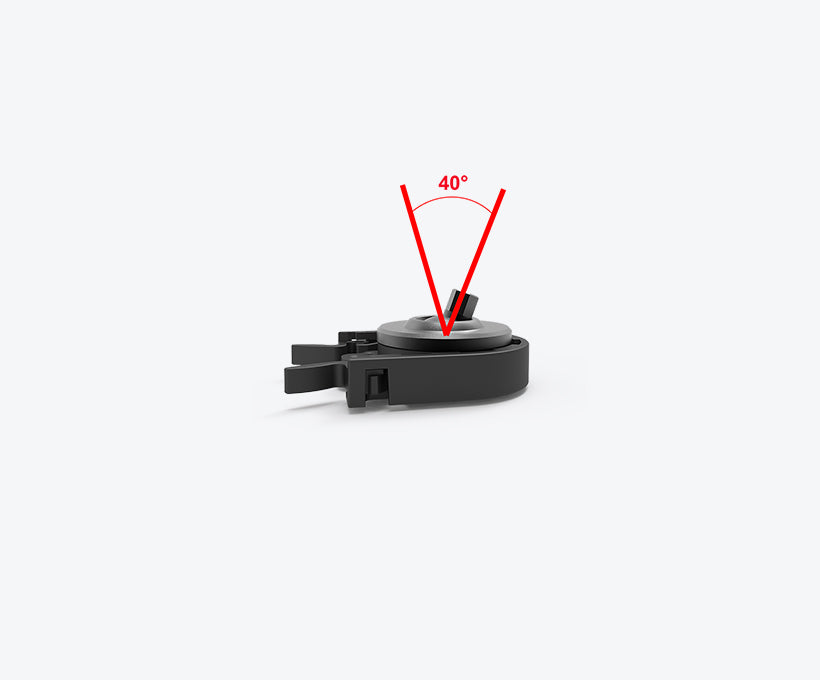
        The Innovv Gimbal Mount provides a secure attachment to your helmet. This gimbal mount offers good adjustment options.

        https://innovv.com/products/innovv-h5-gimbal-mount?_pos=12&_sid=27f610248&_ss=r

        Enjoy your H5!

Log in to reply.