

Hans
Forum Replies Created
-

Hi Radu,
So the problem is solved.
Enjoy your N3. -
Hans
Administrator2026-06-25 at 21:06 in reply to: Request for an RF technical sheet or regulatory annexHi Ron,
It would be better to submit this question to Innovv via email.
https://innovv.com/pages/contactBy the way, I am curious what you need this information for.
innovv.com
INNOVV creates advanced motorcycle safety systems, from dash cams and CarPlay displays to BSD solutions. Ride safer with premium technology designed for performance and reliability.
-
Hi Radu,
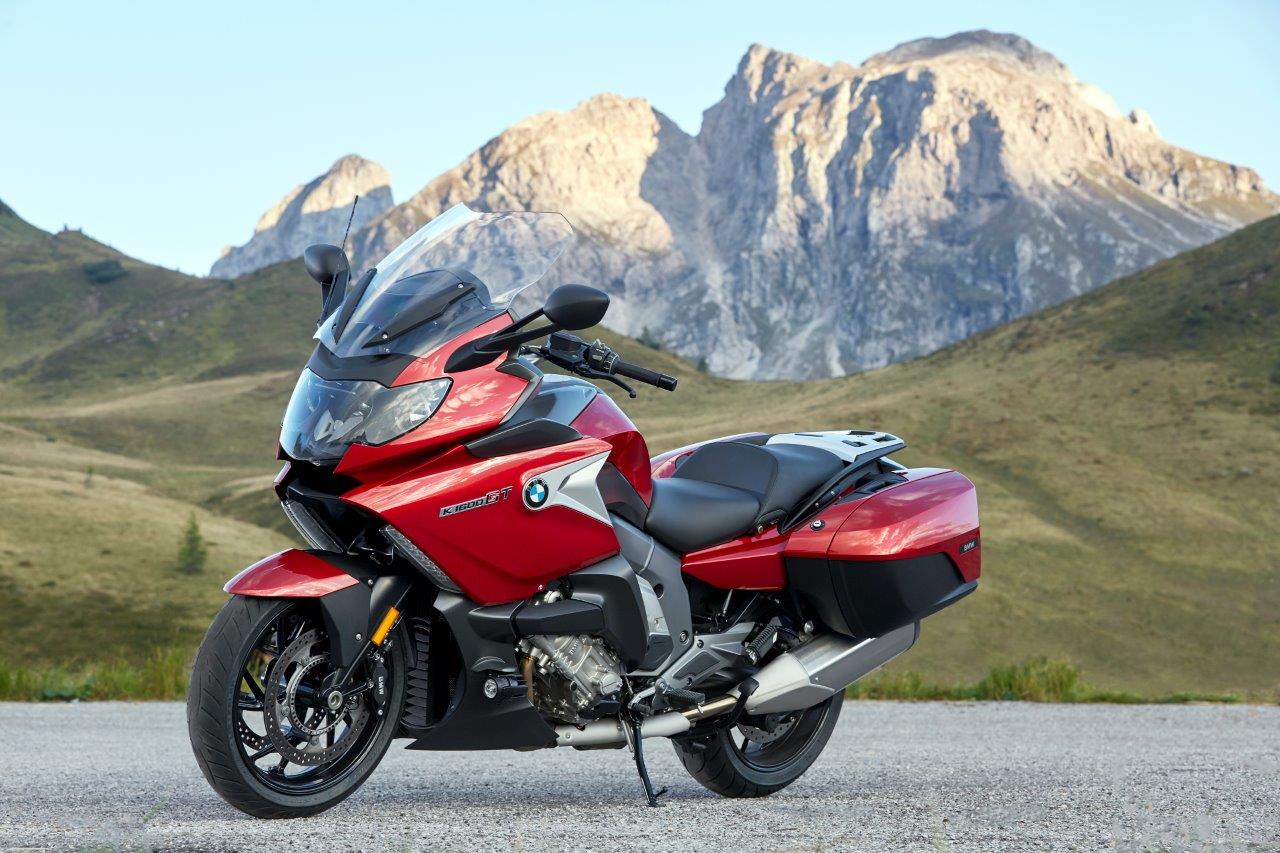
I assume the N3 is linked to your BMW. Does your BMW show miles?
To update, follow the instructions here: https://innovv.com/pages/n3-aftersale
Also, pay attention to the size of the SD card you are using for the update.I am still waiting for my unit of the N3; hopefully, I will receive it soon and can then hopefully help you further.
innovv.com
INNOVV creates advanced motorcycle safety systems, from dash cams and CarPlay displays to BSD solutions. Ride safer with premium technology designed for performance and reliability.
-
Hi Nicholas,
At this moment, there is no better solution. You can submit this problem directly to Innovv by email or via the contact form.
The more people comment on this, the greater the chance that Innovv will include it in their product development.
https://innovv.com/pages/contactinnovv.com
INNOVV creates advanced motorcycle safety systems, from dash cams and CarPlay displays to BSD solutions. Ride safer with premium technology designed for performance and reliability.
-
Hi Nicholas,
Does your SD card meet the specs set by Innovv? Write speed higher than U3.
Have you also formatted the SD card using the Innovv app? It is also recommended to format it after reading it on your PC.I see that sometimes multiple recordings are made in a short time, e.g. June 22 16:25, while I believe your run time is set to 5 minutes. I suspect the problem lies with your SD card.
Do you have the possibility to test with another SD card?
To be sure, you can also flash the (latest) firmware.
-
Hi Aaron,
It is possible that the K7 wiring is picking up an interference signal from the engine wiring somewhere. This can happen if wiring runs parallel to engine wiring that carries more power when the engine is running. For example, wiring for the alternator, ignition, etc.
It is also possible that if you have twisted the K7 wiring into a loop, it can act as an antenna and receive an interference signal from your engine.
What is the battery voltage when the engine is idling? Is it too low? Or is there a large peak/dip in the voltage during starting?
Perhaps you are able to power the K7 from a separate battery while leaving the K7 on your motorcycle. If the problem does not occur, you need to investigate the power supply to find the cause.
-
Hi,
You can turn off the overlay using the Innovv app, so it is no longer visible on screen. The GPS data will still be stored in the metadata of the video files. Unfortunately, only the ‘Watermark text’ cannot be turned off.
You can also keep all data visible on screen and later use video editing software to crop the image so that it is no longer visible. I think this is easier than adding the data back on screen later if you want it to be visible again.It might take some practice with the button to figure out how fast you need to press it. Also, keep in mind that with motorcycle gloves on, it is not always easy to feel if you have pressed the button.
While playing a recorded video, you can no longer take photos in the same resolution. You would then have to take a screenshot or get to work with video editing software.
Loop recording duration. The length is a matter of personal preference. I have mine set to 3 minutes. A shorter length also results in a shorter download time. With a longer recording time, you will see fewer thumbnails in the app and the overview may be clearer, but downloading a recording will also take longer.
Note that when you make a protected recording, only the current recording is protected. So, if you press the button to protect just in the last second of a current recording, the next recording will no longer be recorded as a protected video.
It is not possible to remove the protection from a recorded video that has been saved as a protected video.
Since there is plenty of space on a 512GB SD card, you do not need to worry about protected recordings taking up space. In practice, it will turn out that you will not use the protected video function very often.
To calculate how many recordings you can make: Make a recording in the highest resolution and bitrate. Then you will know how large these files will be. A file is created for both the front and rear cameras. Add the size of these two files together. Divide the SD card size by this number and then multiply it by the time you set for loop recording duration. This will give you approximately the maximum number of minutes you can record.
-
Hi Alison,
Thanks for the feedback.
It’s good that you managed to get it working. So, placing the sensor on the tyre during pairing might be the correct sequence.
Enjoy your N2 -
Hi Aaron,
So it looks like one of the cameras is defective.
If you swap both cameras one by one, front and back, and you can be certain that one of the cameras is defective, you might be able to claim it under warranty if the warranty period has not yet expired. -
Hans
Administrator2026-06-26 at 16:00 in reply to: Request for an RF technical sheet or regulatory annexHi Ron,
I sent you a PM with info. -
Hi Robert,
It is possible that if you have inserted the SD card into your computer once, it can no longer be processed correctly by the K7. Sometimes, changes may occur in the file management settings, resulting in the existing files being handled differently.Therefore, my advice is that if the SD card has been read in a computer, you should reformat it using the Innovv app when placing it back into the Innovv camera. This ensures that the file configuration is set up correctly for the Innovv camera.
If loop duration is set, the oldest recording should be overwritten to make room for the newest recording. If loop duration is not set, recording stops when the SD card is full. In that case, no old recordings will be overwritten.
-
Hi Nicholas,
Downloading the video files via Wi-Fi is indeed not fast. Therefore, connecting the laptop directly to the K6 via Wi-Fi will not result in any speed improvement. The K6’s Wi-Fi is the limiting factor.
The fastest way is to insert the SD card into your computer and download the video files that way.
If you remove the back of the K6 and connect a USB cable directly to it, you won’t see a USB drive on your computer as long as the K6 is turned off. If you turn the K6 on (your USB port must be able to supply sufficient power), you will see a USB drive and can download the video files that way.
-
Hi Jean François,
As requested earlier, please ask your question in English.
And make your message easy to read. Due to all the formatting characters, it is very difficult to read.
-
Hi Jean François,
I don’t know which document you are referring to. Please provide a link…The attached screenshot is unreadable.
If you are unsure about connecting the K7, please connect it as stated in the manual. Connect the red and black wires to the battery and the yellow wire to a switched power supply. Connecting via power accessories that are not properly configured often causes problems that could have been avoided.
PS, could you please take another look at how you post messages? Due to the many formatting characters, it is almost unreadable.
See the attachment to see what your message looks like.
-
Hi Jean François,
Before I answer your question, a comment on your message:
If you want a quick response, please ask your question in English. After all, English is the working language on this forum. You are asking for help from us, so we ask you to make some effort to translate your question.
Also, your question is difficult to read due to all the formatting marks.
Additionally, for a question that has nothing to do with the current topic, it is better to create a new topic. This keeps the forum organized for other forum members.In answer to your question, the yellow wire must be switched. See also the K7 manual. If you connect the yellow wire to the red wire, this is a recipe for trouble.