

Hans
Forum Replies Created
-

Hi Graham,
It is best to format the SD card using the Innovv app. This way, the SD card is configured correctly for the K7. My advice is also to format the SD card with the app if you have read the SD card in a computer. It can sometimes happen that when an SD card is read in a computer, something is changed on the SD card that prevents the K7 from working with the SD card properly. -
I suspect the problem lies with the K5, but I wouldn’t rule out the microphone just yet.
Innovv will not provide wiring diagrams. Just as they do not supply service parts. They only supply parts that can be replaced by ‘normal’ users; please check their webshop for this.
You can still take a gamble by opening the K5 yourself to see if there is internal damage (water damage?) causing the microphone to only produce a hissing sound.
Or you could try to claim the K5 under the motorcycle’s warranty. -
Hi Shaky,
It is possible that it is an Electret microphone. This therefore requires a power supply to work. There might be a cable break somewhere. Does the cable coming out of the K5 still look good? Especially where it exits the plastic block? Because that is exactly a point where the cable could kink sharply.
@INNOVV , could you indicate what the power supply voltage for the microphone should be? -
Hans
Administrator2026-05-11 at 23:50 in reply to: Struggling to Connect to Wifi and alter settingsHi Kevin
Sorry to hear that, because I understood from your previous message that it was working without problems now.
Regarding the video recording no longer working properly, format the SD card using the Innovv app. Cards formatted with a computer can sometimes cause problems. Even if the SD card has been read in a computer, it is advisable to format the SD card again with the Innovv. Does the SD card also meet the specs as stated by Innovv? The K6 must always be switched on and off properly. If the K6 is ‘hard’ shut down by disconnecting the power supply before the K6 has completed its shutdown, this can also cause problems in the long run. And you could possibly reinstall the firmware.
-
Hi Jean,
Could it be that you have set your phone so that it does not automatically connect to a known Wi-Fi network? On Android, this is a Wi-Fi setting that is possible. I don’t know if this is also possible on an iPhone; I don’t have an iPhone myself.
Or does your iPhone automatically connect to another Wi-Fi network if the Wi-Fi connection to the K6 is lost? Your iPhone will then maintain this connection and will not automatically make another Wi-Fi connection, so not to your K6 Wi-Fi either when it becomes available again. -
Hi Shaky,
Playing directly from the camera requires a good Wi-Fi connection. Additionally, your phone constantly has to retrieve, buffer, process, and play back the necessary (video)data. This doesn’t always happen quickly because the K5 generates large files and your phone also needs to be able to process all of this quickly. As a result, playing directly from the camera is often accompanied by stuttering.The sound quality isn’t super good. However, a recording with the motorcycle stationary should certainly produce clear sound. Wind noise while riding can cause a hissing sound.
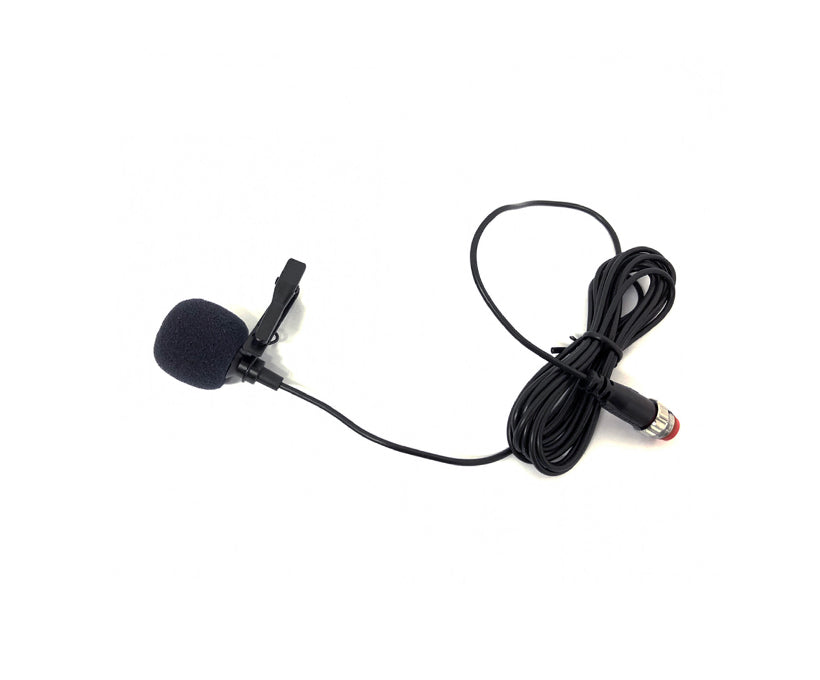
To be sure, check the microphone cabling. Because it is thin, it is susceptible to damage. Also check that the connector is properly connected and that there is no moisture inside the connector. By the way, the cost of a new microphone is not that high, see https://innovv.com/products/innovv-mic-for-k3-and-k5-dashcam?_pos=2&_sid=ae44f561c&_ss=r
It is better for the K5 to find a different place on your motorcycle. The tapping of the mudguard against the K5 is not beneficial for the K5.
innovv.com
INNOVV Mic for K3, K5, K7 Dashcam
INNOVV creates advanced motorcycle safety systems, from dash cams and CarPlay displays to BSD solutions. Ride safer with premium technology designed for performance and reliability.
-
Hi Paul,
I don’t know (yet) if this is possible. I’m also curious if it can be done.
In my opinion, the fastest way is still to remove the SD card from the N2 and place it in your computer.
Also, note that if you want to download videos via your home Wi-Fi network, the N2 must remain switched on during the download. So either turn on your motorcycle’s ignition or connect the yellow wire to the constant power supply via a switch. -
Hi Norman,
The blue LED stays on, even when the ignition is off.
If the blue LED lights up continuously, the battery voltage is sufficient to use parking mode. If the LED flashes, this battery voltage is too low for packing mode, but the K3 will otherwise function normally. -
Hi Jean,
Would you please ask your question in English? English is the language of this forum. You expect us to make some effort to help you with a problem, which is why I ask for some effort on your part to ask the question in English. You could use Google Translate, for example.
Additionally, please pay attention to your message; it is full of formatting codes and is therefore difficult to read.Regarding your question, what have you already tried yourself? Please provide more information; the more information you have, the better we can help.
When you want to connect, what does the LED on the K6 show? Does it blink or light up continuously, and what color(s)?
iPhones sometimes have trouble connecting to an Innovv camera. In that case, put the iPhone in Airplane mode and connect to the camera manually.
-
Hi Zahi,
The connectors I mean are the connectors at the end of the cables, see the attached image. I believe they are small orange rubber rings that sit inside the connectors. I don’t have an RC6 myself, so I can’t compare. However, I do have other models where these rings are present in the connectors.
If you point the radar unit a little further down, does it work properly then? It could be that the edge of your top case is right on the edge of whether or not it detects.
But in any case, it remains strange that one or both indicator lights stay on after switching it off.
-
Hi Terence,
The K7 supports cards with a capacity of up to 512GB, so a 256GB card shouldn’t be a problem.
Does the previous SD card you used still work without issues? You can purchase the correct card for the K7 on the Innovv website: see https://innovv.com/collections/k7-accessories/products/evo-plus-adapter-microsdxc-512gb
If you are unsure about the firmware, I don’t know which version you have, but I might have an older version available.
Do the new cards click into the slot properly?
In what format do you format the cards using the computer?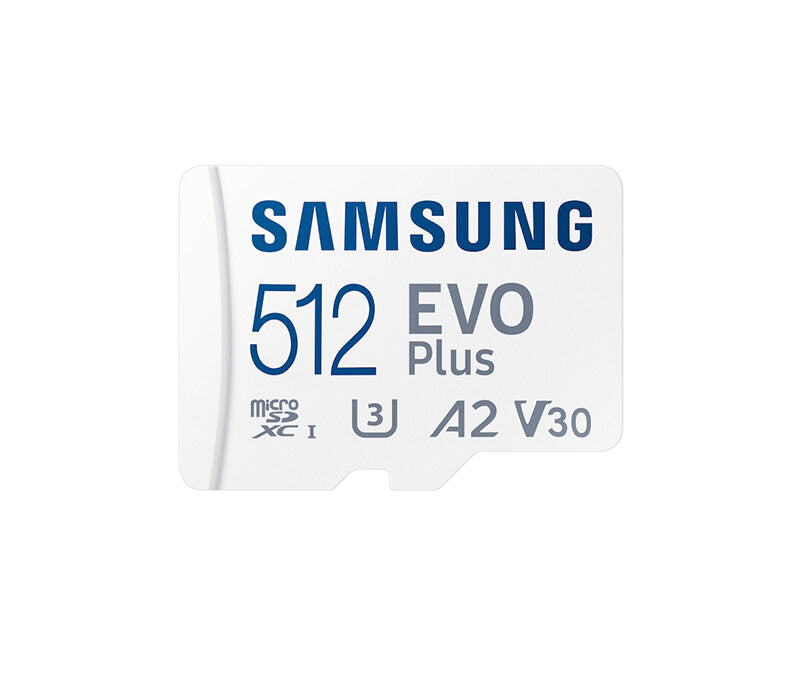
innovv.com
Samsung 512GB EVO Plus UHS-I microSDXC Memory Card
Samsung 512GB EVO Plus UHS-I microSDXC Memory Card Max. Read Speed: 100 MB/s Max. Write Speed: 90 MB/s. Up to 130MB/s transfer speed with Class 10 and U3 compatibility. Includes Full-Size SD Adapter. Orders containing this accessory will … Continue reading
-
Hi Sara,
Is there no dirt on the light sensor (only on the N1)?
If you disconnect the cameras, does the N1 turn on? This is to rule out the possibility that one of the cameras is defective and is causing the N1 not to start up.
If you reset the N1 by removing the power (just taking the fuse off for a few seconds), what happens then?
If you have the N1 Pro version, can you press the reset button? It is located next to the SD card slot.
Can you still connect your phone to your N1? If so, then there is probably a problem with just the screen.
It is normal for the N1 to get slightly warm (hand-warm), but it certainly should not get hot.
Since your N1 is still within the warranty period, you can also contact the seller and claim this problem under warranty. -
Hi Jean,
welcome to this forum.
Would you please ask your question in English? English is the working language on this forum.
Please also edit your message, as it is unreadable due to all the formatting characters.
-
Hi Euan,
Retrieving all the video clip thumbnails takes quite a bit of time. You can optionally increase the Loop Recording Duration. This will make the recordings longer, but the number of thumbnails will decrease.
Regarding formatting the SD card, do you do this using the computer or the Innovv app? If this is done using the computer, the SD card might not get the correct format, which affects its operation. Even reading the SD card with a computer can affect the format of the SD card. The advice is therefore to always format the SD card using Innovv. This ensures the SD card gets the correct format for the K7.
If you want to report an issue to Innovv, it is best to do so by email or use the contact form on the Innovv website. -
Hi Zahi,
The radar, is it not contaminated by splashing water/mud? But that shouldn’t affect the operation, and certainly not the fact that the warning lights remain on when the engine is turned off.
Could it be that moisture got into the connectors and that this moisture evaporated after an hour of riding? Check the connectors to see if there are rubber rings inside. These rings are there to make the connectors watertight.
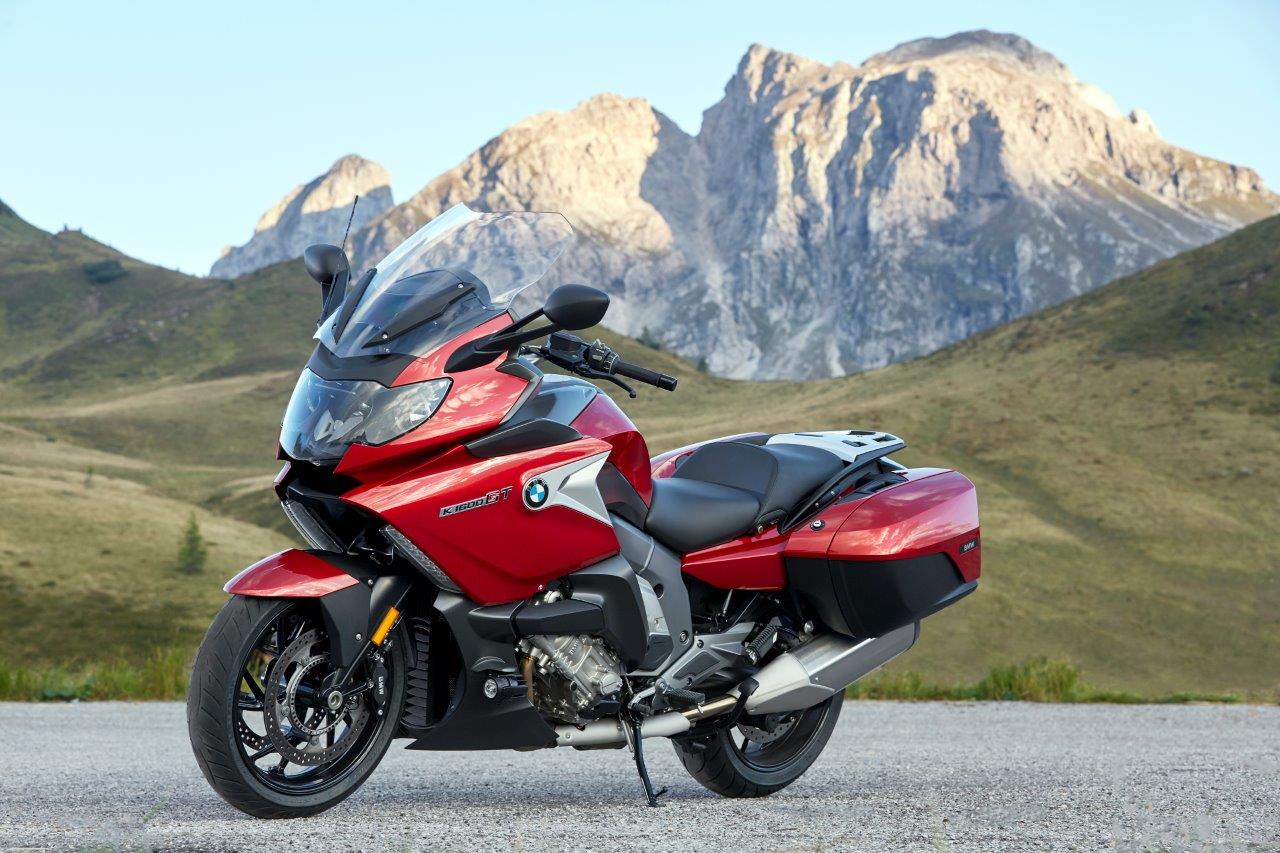
It is the case with various BMW motorcycles (including my K1600GT) that when the ignition is turned off, the voltage remains on for almost a minute on various switched power supplies. Because of this, the RC6 can stay on a bit longer after turning off the ignition.
The radar unit must have a clear view all around. Can you post a photo of where you placed the radar?
The radar cannot be reset or calibrated.Here is a photo of how I mounted the ThirdEye on my BMW. This placement has no influence on the operation.